Route 1
Single workshop
One module, standalone.
60 or 90 minutes. Whole staff, TAs, leadership, or stakeholders — pick one off the menu and we'll deliver it.
See the menu →unbarrier.access · accessibility, in real classrooms
I help schools and trusts turn the accessibility tools they've already paid for — iPads, GoodNotes, Apple's built-in suite — into everyday classroom practice. Not extra software. Not another rollout. Just the tools they already own, finally working for the children who need them.

Apple Professional Learning Specialist · 26 years in classrooms
Five things I see in schools that have already invested.
observation 01
Most primary schools already have iPads — the kit is in the building, in varying configurations and at varying levels of deployment. What's missing is the practice. Teachers have devices but no defined workflow, so the iPad becomes a presentation surface rather than a teaching tool. Reader View. Speak Selection. Colour filters. Live captions. The Accessibility Assistant. Already on the device. Not yet in the lesson.
observation 02
Reading the question aloud. Spelling the word out. Sitting beside the child to hold the lesson together. None of this is necessary when the iPad is configured properly — and TAs receive almost no training on the tools that would change that. Speak Selection reads the page. Live Listen carries the teacher's voice straight to the child. Sound Recognition flags the bell, the alarm, the name being called. The TA is freed to do the work only a human can do.
observation 03
A device is funded through SEND provision and issued to a single child. The features are powerful. The configuration is right. But in practice, the iPad gets used for Times Tables Rock Stars, the same as everyone else's — not for the access features it was funded for. Even where the access tools are switched on, the same problem appears in another form. When one child is the only one in the room using Speak Selection, dictation, or live captions, the tool stops being access and starts being a marker of difference. Accessibility features work when they are part of how the whole class operates — not when they single out the child they were meant to support. The investment goes in. The benefit doesn't come out, because the routine around it was never built. This is the difference between targeted provision and ordinarily available provision. Targeted support is named in the plan. Ordinarily available provision is what happens in the room every day, for every child, by default.
observation 04
iPad is often framed as a primary-phase device. As children move through the school, it gets put away — seen as something to be replaced by something more 'grown-up'. But the child who needed live captions in Reception still needs them in Year 5. Dyslexia identified in Year 2 doesn't resolve itself by Year 6. Removing a working tool at the point of greatest demand is a withdrawal of provision, not a developmental step. The same risk sits at secondary transition, where the device that worked in Year 6 is replaced by something the child has never used, in the term they need stability most.
observation 05
This year's white paper, Every Child Achieving and Thriving, names accessibility, ordinarily available provision, and belonging as core to the inclusion agenda. Inspection follows white papers. Trust governance follows inspection. The accountability question is shifting from do you have the kit? to are you using it for every child the white paper named? — and “we bought it” is not an answer. Schools that get ahead of this don't buy more. They use what they already have, properly.
Recognise your school in any of these? Tell us where it's stuck.
Workshop enquiriesWhere I'm at.
Accessibility tools for everybody — not just SEN kids. We've all been customising for ourselves for years. Now we make that visible to children.
The work happens in different shapes depending on what a school needs.
Sometimes it's a focused 90 minutes with the whole staff to activate the basics and shift the routines that are costing the most. Sometimes it's a full day, working with TAs and the SENCO together to redesign how a child's iPad is used. Sometimes it's a strategic conversation with digital leadership about what to prioritise across a trust, a phase, or a year group.
I come in with an accessibility lens, not the whole digital lens. The whole digital lens is being delivered everywhere. The accessibility lens is the bit that's missing — the bit that turns the device from a demo tool into a teaching tool, and the device from a teaching tool into a learning tool the child can actually use.
If you're a school or trust with iPads in classrooms and a sense that the accessibility return on that investment isn't where it should be — that's where this conversation starts.
Bring this to your school
Single workshop, full INSET day, or a bespoke shape. Delivered by a small team of Apple Professional Learning Specialists. The work scales; the standard doesn't.
Route 1
One module, standalone.
60 or 90 minutes. Whole staff, TAs, leadership, or stakeholders — pick one off the menu and we'll deliver it.
See the menu →Route 2
Pick & mix from the menu.
A whole training day, shaped from the modules. Different sessions for different audiences in the same school. We bring everything.
Build your day →Route 3
Anything else, conversation-led.
Trust-wide, multi-day, governor-only, audit-led. If your situation isn't on the menu, we shape it together.
Start a conversation →Half-days aren't a published product. If you need one, that's a bespoke conversation.
Pick and mix
Schools pick any combination of modules to shape a full day. We bring everything. You provide the room and the staff.
A day typically combines a whole-staff session in the morning with focused work for specific groups in the afternoon — TAs in one room, leadership in another. The shape is yours to set.
Yours won't look identical — that's the point. Different audiences, different priorities, same shape.
Coffee & set up · SLT 1:1s
The accessibility tools already on every iPad in the building, walked through in classroom context. Every member of staff leaves with the same baseline. One room, one session, no one gets missed.
While the rest of the school continues their day, TAs and HLTAs work hands-on with the iPad accessibility tools that change the shape of their week — Speak Selection, Live Listen, Sound Recognition, dictation. Practical, specific, set up for the children they actually support.
Two trainers running parallel sessions for two cohorts at once — strategic inclusion in one room, ordinarily available provision in the other. Twice the capacity in the same window. Brings senior staff together rather than peeling them off across a half-term of twilights.
SLT feedback · refining the plan
Whole staff back in one room. Each member of staff names one tool, one learner, one week — written, visible, owned. SLT take the cohort-level commitments forward. SENCOs leave with a documented record for evidencing ordinarily available provision and individual support plans.
Module 04 (parents, governors and trustees) typically runs as a separate evening or twilight session — not shown on this day. Schools with active parent forums often combine it with the INSET day to brief the wider community in the same week.
Who's in the room
unbarrier.me is building a small team of specialist facilitators. Same toolkit. Same standards. Same closing goal in every room.
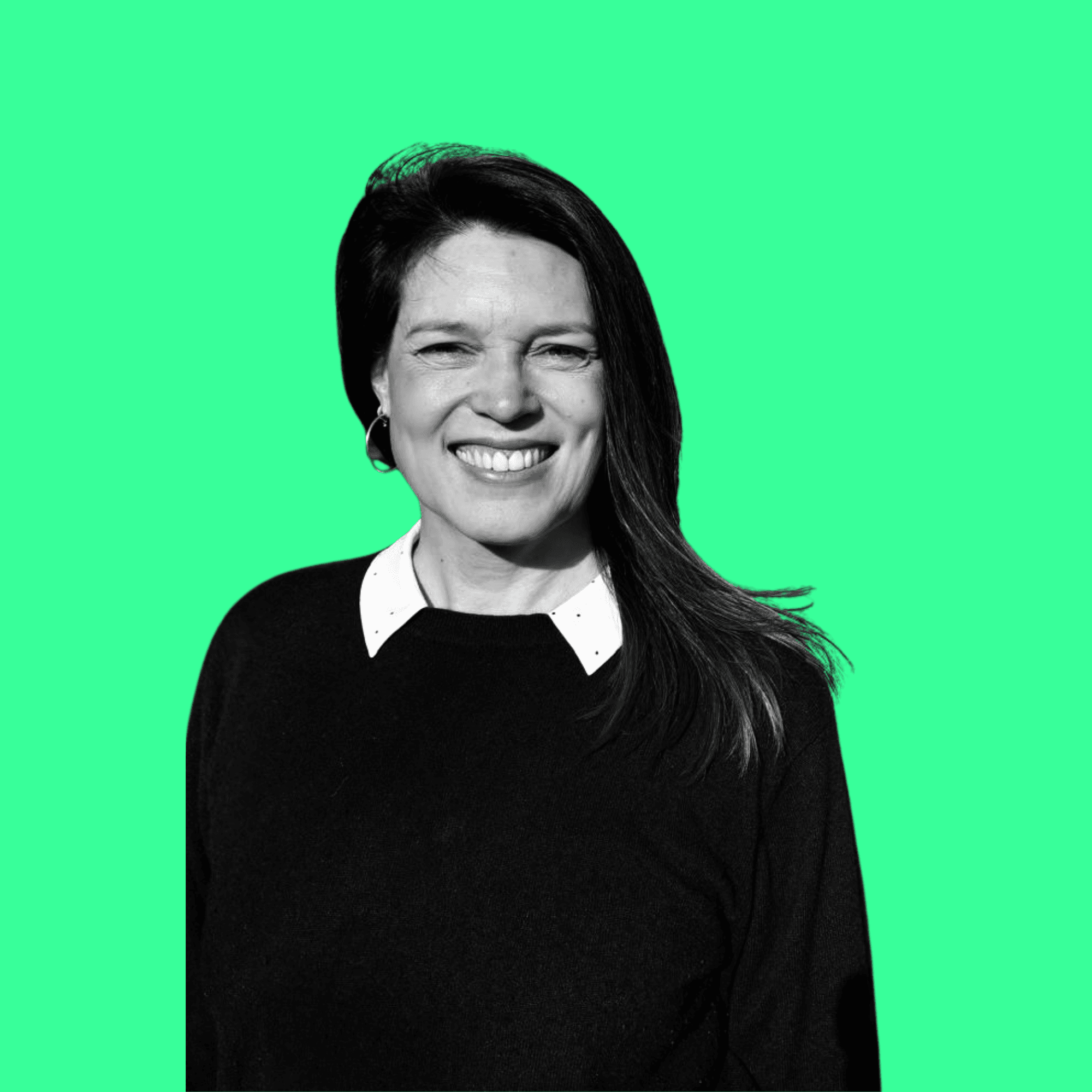
Lead facilitator
APLS · 26 yrs in classrooms · dyslexic + ADHD + dyscalculia + auditory processing disorder
Tell me what you're working with.
Tell me about your setup, the children it's meant to support, and where it's stuck. I'll tell you what I think will move it. If a structured implementation makes sense, we'll talk about shape and cost. If it doesn't, I'll point you at someone better matched.
Real conversation. I reply personally — usually within two working days.